
LED Video Wall Guide: Types, Costs, Pixel Pitch & Installation
An LED video wall is a modular, direct-view display built from LED cabinets that work together as one screen. To choose one, start with the viewing distance, content, indoor or outdoor environment, and required screen size. Then compare native resolution, service access, and the complete installed cost—not just the price of the display panels.
This guide explains the main LED wall types, how pixel pitch affects resolution, what belongs in a supplier quote, and when renting makes more sense than buying. It includes a worked example using an HonghaiLED cabinet so you can check the calculations for your own project.
1. What is an LED video wall?
A direct-view LED video wall produces the image at the display surface using light-emitting diodes. Modules fit into cabinets, and multiple cabinets form the complete screen. Unlike a projector, the system does not project an image onto a separate surface.
The screen is only one part of a video wall system. A working installation also needs a controller or video processor, receiving cards, power supplies, signal and power cabling, a mounting structure, and a content source. The processor must support the wall’s native pixel count and the inputs you plan to use.
Modular construction allows different screen dimensions and shapes. However, the final size must match the selected cabinet or module layout. Ask for a layout drawing showing physical dimensions, pixel dimensions, cable routes and service clearances before ordering.
2. LED video wall types: indoor, outdoor and rental
LED walls can be classified by environment, installation method and shape. These categories overlap: a rental wall may be indoor or outdoor, and a fixed wall may be flat or curved.
| Type | Typical use | What to check |
|---|---|---|
| Indoor fixed LED wall | Meeting rooms, churches, retail and control rooms | Pitch for close viewing, comfortable brightness, text clarity and service access |
| Outdoor fixed LED wall | Outdoor advertising and public displays | Daylight visibility, specified weather protection, drainage, wind loads and operating temperature |
| Rental LED wall | Concerts, exhibitions and temporary events | Cabinet weight, locking system, setup time, rigging requirements, transport cases and spares |
| Flexible or curved LED wall | Curved stage backdrops, columns and creative installations | Supported bend radius or cabinet angles, mounting design and content mapping |
| Transparent LED screen | Glass storefronts and installations where openness matters | Transparency, viewing distance, brightness and the trade-off between visibility through the screen and image detail |
Explore HonghaiLED’s indoor LED screens, commercial LED displays and rental LED displays. For unusual shapes, compare a flexible LED display with the available mounting design; a flexible module and a curved cabinet are different solutions.
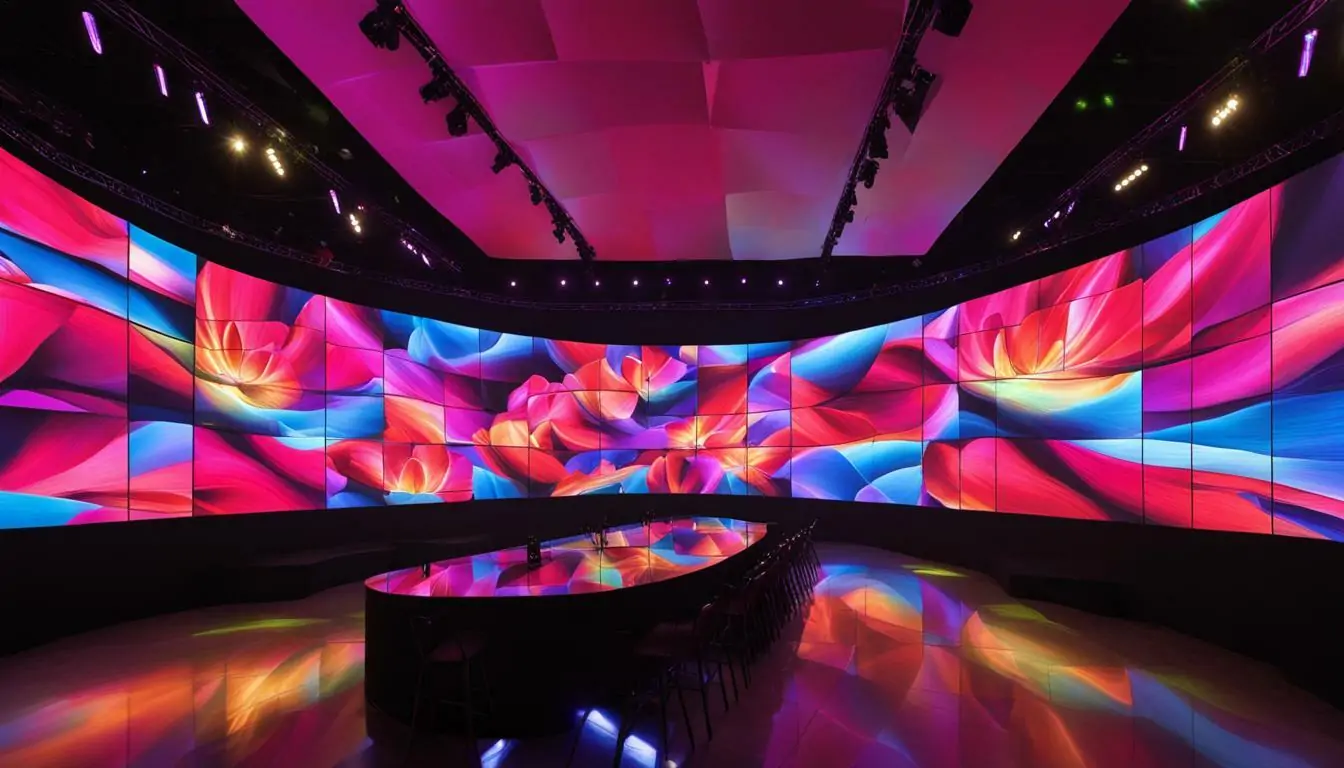
3. LED video wall vs LCD video wall
An LCD video wall combines individual LCD panels. A direct-view LED wall combines LED cabinets. The best choice depends on screen size, viewing distance, image requirements and the installed budget.
| Factor | Direct-view LED | LCD video wall |
|---|---|---|
| Visible panel boundaries | No LCD-style bezels, but cabinet alignment and calibration still matter | Panel bezels create visible boundaries across the image |
| Screen dimensions | Built from a selected cabinet or module grid | Built around individual panel sizes and arrangements |
| Close-view detail | Depends strongly on pitch and the resulting native resolution | Compare panel resolution and bezel width at the intended viewing distance |
| Cost comparison | Include cabinets, control equipment, structure, installation and spares | Include panels, mounts, control equipment, installation and replacement planning |
Request quotes for the same usable screen size, content requirements and installation scope. A panel-only price does not establish which system costs less to install or maintain.
4. Pixel pitch, viewing distance and resolution
Pixel pitch is the center-to-center distance between adjacent pixels, measured in millimeters. P2 means a 2 mm pitch. At the same physical screen size, a smaller pitch produces more pixels and can show finer detail. It does not automatically make a wall the best choice for every audience.
Choose pitch from the closest viewing position and the smallest text or detail viewers need to read. A distant stage audience and a meeting room showing spreadsheets have different needs. Test representative content at the expected viewing distance; a single distance formula cannot account for eyesight, font size, image contrast and content.
How to calculate an LED wall’s native resolution
For an initial estimate: horizontal pixels = screen width in millimeters ÷ pitch in millimeters; vertical pixels = screen height in millimeters ÷ pitch. Multiply the two dimensions for total pixels. Confirm the actual resolution from the manufacturer’s module and cabinet specifications, because physical layouts and rounded pitch labels may affect the result.
Worked example: the EA640F2 indoor LED display uses 640 × 480 mm cabinets. Its P2 module is 160 × 80 pixels at 320 × 160 mm. Six modules arranged two across and three high give each cabinet 320 × 240 pixels.
- Four cabinets across and three high make a 2,560 × 1,440 mm wall.
- Native resolution: (4 × 320) × (3 × 240) = 1,280 × 720 pixels.
- Total pixel count: 1,280 × 720 = 921,600 pixels.
- The wall has a 16:9 shape, but its native resolution is 720p—not 1080p or 4K.
Pixel count is not necessarily the number of individual LED emitters. Packaging differs between display technologies. Specify native pixels when comparing resolution, and confirm how the processor scales your source content.
5. LED video wall cost and quote checklist
LED video wall cost depends on screen area, pitch, cabinet design, environment and the installation scope. There is no single price that applies to every project. Ask for a dated, itemized quote for a defined configuration, then compare the total installed cost.
If a supplier quotes a screen price per square meter, multiply it by the actual cabinet-based screen area. One square meter is approximately 10.764 square feet, so a price per square meter divided by 10.764 gives the equivalent price per square foot. Check whether either rate includes anything beyond the display cabinets.
For the 2.56 × 1.44 m example above, the screen area is 3.6864 m², or about 39.68 ft². Multiply 3.6864 by your supplier’s quoted price per m² for the screen subtotal, then add the separately priced project items below. This is a calculation method, not an HonghaiLED price offer.
| Cost item | Ask the supplier to specify |
|---|---|
| Display cabinets | Model, pitch, quantity, dimensions, native resolution, brightness and protection rating |
| Control equipment | Processor, sending/receiving hardware, input formats and supported pixel capacity |
| Mounting and installation | Structure, rigging, access equipment, labor, alignment and commissioning |
| Site services | Electrical circuits, distribution, cabling, network and any required ventilation |
| Delivery | Packaging, freight, insurance, duties and applicable taxes, with delivery terms stated |
| Ongoing ownership | Spare modules and power supplies, maintenance access, warranty coverage and support arrangements |
Indoor vs outdoor LED wall cost
Outdoor projects add requirements for sunlight visibility, weather protection and structural design. Indoor projects may require a finer pitch for close viewing. Either requirement can change the budget, so outdoor walls are not automatically more expensive than every indoor wall. Compare configurations that meet the actual site requirements.
Power consumption and running cost
Estimate energy use as average power in kW × operating hours, then multiply by your electricity rate. Actual consumption varies with brightness settings and content. Use the specified maximum power for electrical design, with the installer applying the relevant requirements; do not size circuits from an average-power estimate. More pixels alone do not establish which product consumes more electricity.
6. Should you rent or buy an LED video wall?
Renting generally suits occasional events; buying suits repeated use or a permanent installation. Compare the cost over the period you expect to use the screen, including operation and logistics.
- Rental quote: screen size and pitch, event duration, setup and removal, transport, rigging, processor, technician, rehearsal time and damage terms.
- Purchase quote: the installed system, spares, storage or transport cases, staff training, maintenance and the warranty/support scope.
Rental pricing is not reliably a fixed percentage of a purchase price. Ask for an event-specific quote. For recurring shows, compare several event quotes against purchase and ownership costs. See stage rental LED display options for equipment suited to temporary installations.
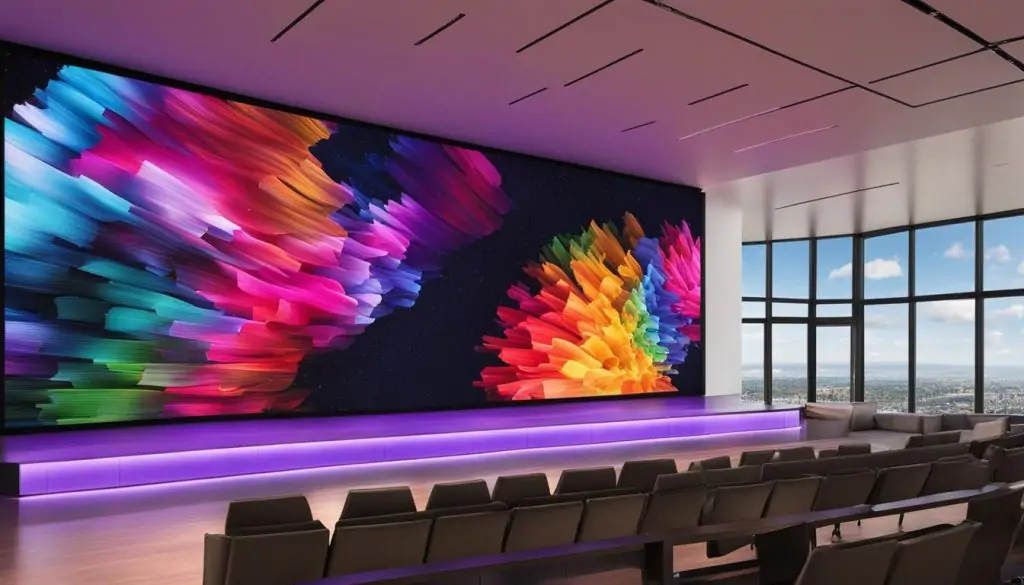
7. How to choose a wall for your application
The best LED video wall is the one that meets your viewing and operating requirements within the full project budget. Use the application to set priorities:
- Churches: check lyric and presentation readability from the nearest and farthest seats, comfortable brightness, camera compatibility and operator training. Read the church LED screen selection guide.
- Meeting rooms and control rooms: prioritize small-text clarity, native resolution, input switching and front-service access.
- Concerts and exhibitions: prioritize setup speed, safe rigging, cabinet alignment, transport protection and camera tests when filming.
- Retail: check viewing distance, ambient light, content format and whether a transparent LED screen better suits the storefront.
- Outdoor advertising: evaluate daylight visibility, weather exposure, wind loads, maintenance access and local installation requirements.
For camera use, ask for a test with the actual cameras and shutter settings. A refresh-rate specification alone does not guarantee flicker-free footage. For any project, request a sample or demonstration using your content rather than relying only on promotional video.
8. Installation and maintenance checklist
A permanent or suspended LED video wall needs a site-specific installation plan. Qualified installers should confirm structural support, electrical requirements and safe access before assembly.
- Survey the site: confirm dimensions, wall or rigging suitability, ambient light, viewing positions and service clearances.
- Approve the layout: match cabinet counts to physical dimensions and native resolution; define processor capacity and cable routing.
- Plan power and support: verify maximum load, circuits, grounding, distribution, ventilation and structural loads.
- Align and commission: check cabinet alignment, signal mapping, brightness and color consistency; test all inputs with real content.
- Agree on maintenance: identify front or rear access, spare-part quantities, cleaning instructions, operator training and repair procedures.
Front service can simplify access when there is no room behind the wall. For example, EA640F2 is designed for front access to modules, power supplies and receiving cards. Check the specific model’s instructions; front access does not mean every component is safe to replace while powered on.
Ask what the warranty covers, who performs repairs, where replacement parts ship from and how long support is available. Lifespan claims do not replace a maintenance plan or a written warranty.
9. LED video wall FAQs
How much does an LED video wall cost?
The cost depends on area, pitch, cabinet type, controller, mounting and site work. Request an itemized quote and compare the same screen size, native resolution, installation scope and delivery terms. Screen-only prices exclude important project costs.
What pixel pitch is best for an indoor LED wall?
Choose pitch from the closest viewing distance and required content detail. Small text viewed nearby usually needs finer pitch than large graphics viewed from farther away. Check the resulting native resolution and test your content before selecting a model.
Is a 16:9 LED wall always Full HD?
No. Aspect ratio describes shape; native resolution describes pixel dimensions. In this guide’s P2 example, twelve 640 × 480 mm cabinets arranged four by three form a 16:9 wall with 1,280 × 720 pixels.
Can an indoor LED video wall be used outdoors?
Do not assume it can. Outdoor use requires a display and installation rated for the relevant weather, temperature and light conditions. Verify the product’s protection rating and permitted operating environment with the supplier.
Are more pixels always better?
More pixels can show finer detail at a given size, but they may be unnecessary for distant viewing. Compare content requirements, processor capacity, brightness, maintenance and budget. Pixel count alone does not determine quality or power consumption.
What is the difference between an LED wall and a video wall?
A video wall is the broader category of multiple display units forming one large image. A direct-view LED wall uses LED modules and cabinets; an LCD video wall uses LCD panels. Compare the technology and native resolution rather than relying on the label alone.
10. Plan your LED video wall project
To get a useful recommendation and quote, provide the required width and height, indoor or outdoor location, closest viewing distance, content type, fixed or rental use, installation location and target budget. Include camera requirements and any limits on mounting depth or service access.
Contact HonghaiLED for an LED video wall configuration and itemized quote. Ask for the cabinet layout, native resolution, control equipment and full delivery scope so you can compare proposals on equal terms.
Related Posts
Indoor vs Outdoor LED Displays: Differences & Price
The main differences between indoor and outdoor LED displays are…
LED Display Resolution: 2K, 4K, HD & Pixel Pitch
LED display resolution is the number of physical pixels across…
Rolling LED Screen & Roll-Up LED Display Buying Guide
A rolling LED screen, also called a roll-up LED display…

No Comments